
01
Browse your whole library
Artists, albums, genres, composers and tracks, plus saved playlists, internet radio, your NAS shares, the queue and line-in. The list comes from your speaker, so you only see what you actually have.
ESP32-P4 · Open source
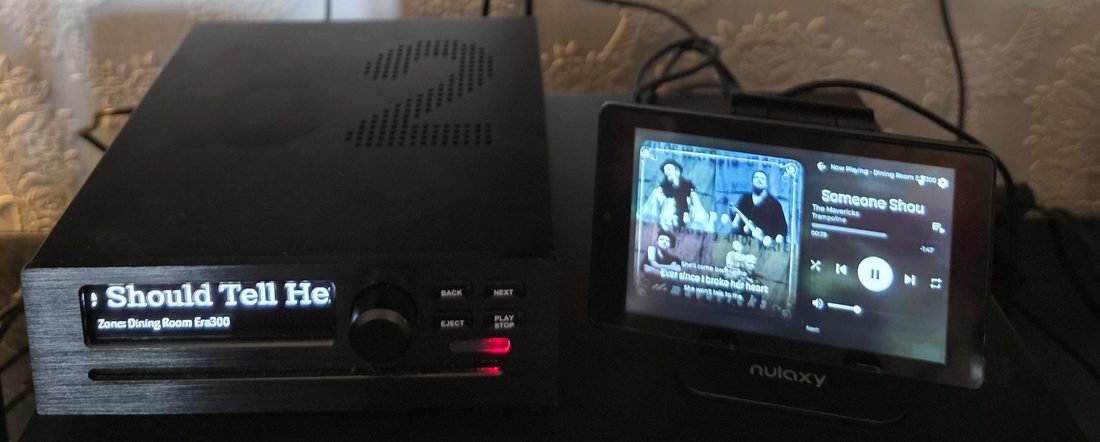
A touchscreen remote that shows album art, follows the lyrics, browses your whole library and plays anything you have saved — including Spotify and YouTube Music. It flashes from your browser in about a minute.
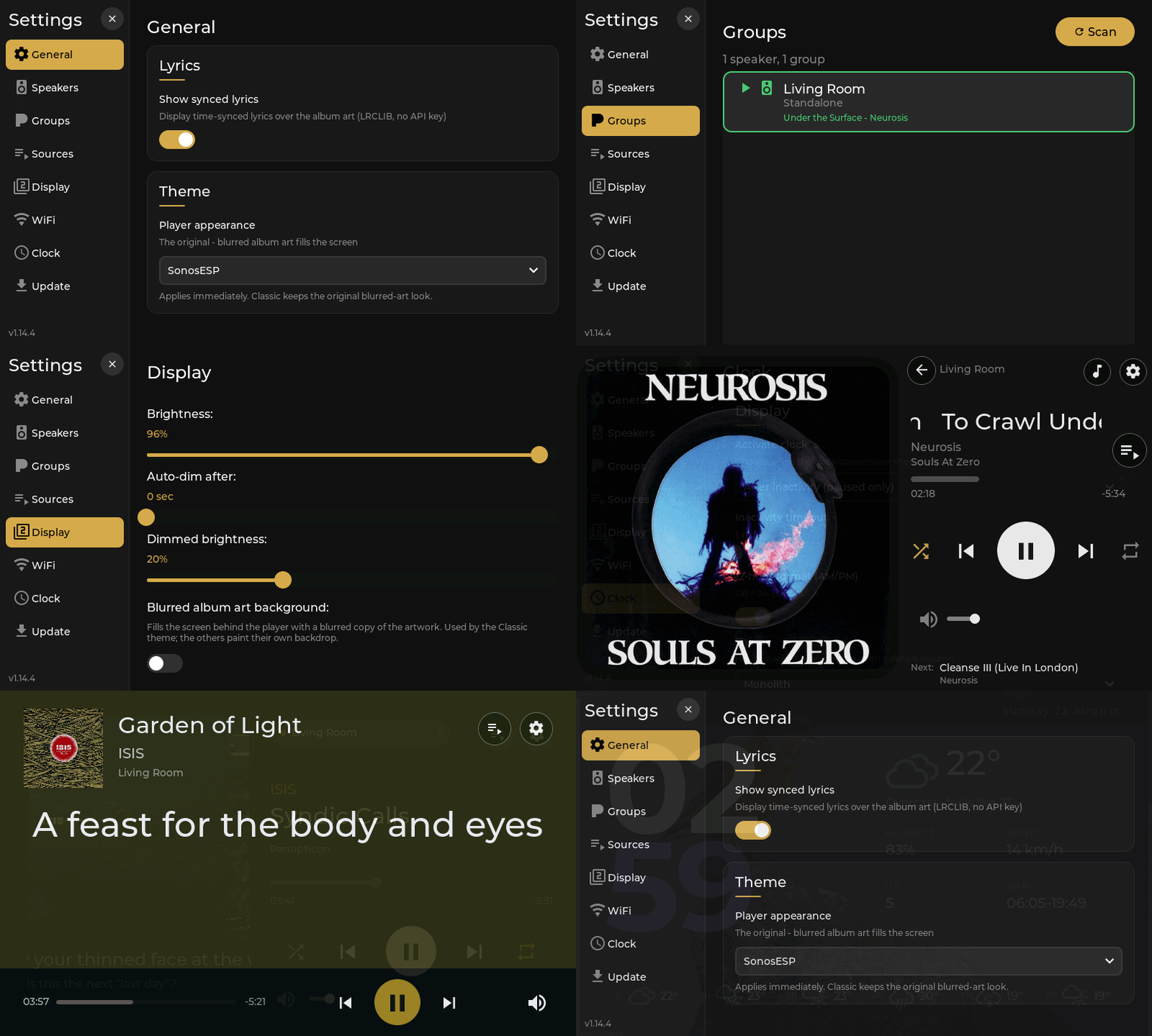
GUITION ESP32-P4 · 7″ panel
The bit people ask about
Whatever service it came from. Spotify playlists, YouTube Music mixes, radio stations, all of it. You never sign into anything on the device — your speaker already holds the accounts and does the work.
How sources work →Artists, albums, genres, composers and tracks, plus saved playlists, internet radio, your NAS shares, the queue and line-in. The list comes from your speaker, so you only see what you actually have.
Time-synced and following the track, colour-matched to the artwork, and out of the way on songs that have none.
Decoded by the P4’s hardware JPEG unit, with the dominant colour pulled out to tint the rest of the screen.
Switch zones with live indicators for what is playing where. Create and break speaker groups from the panel.
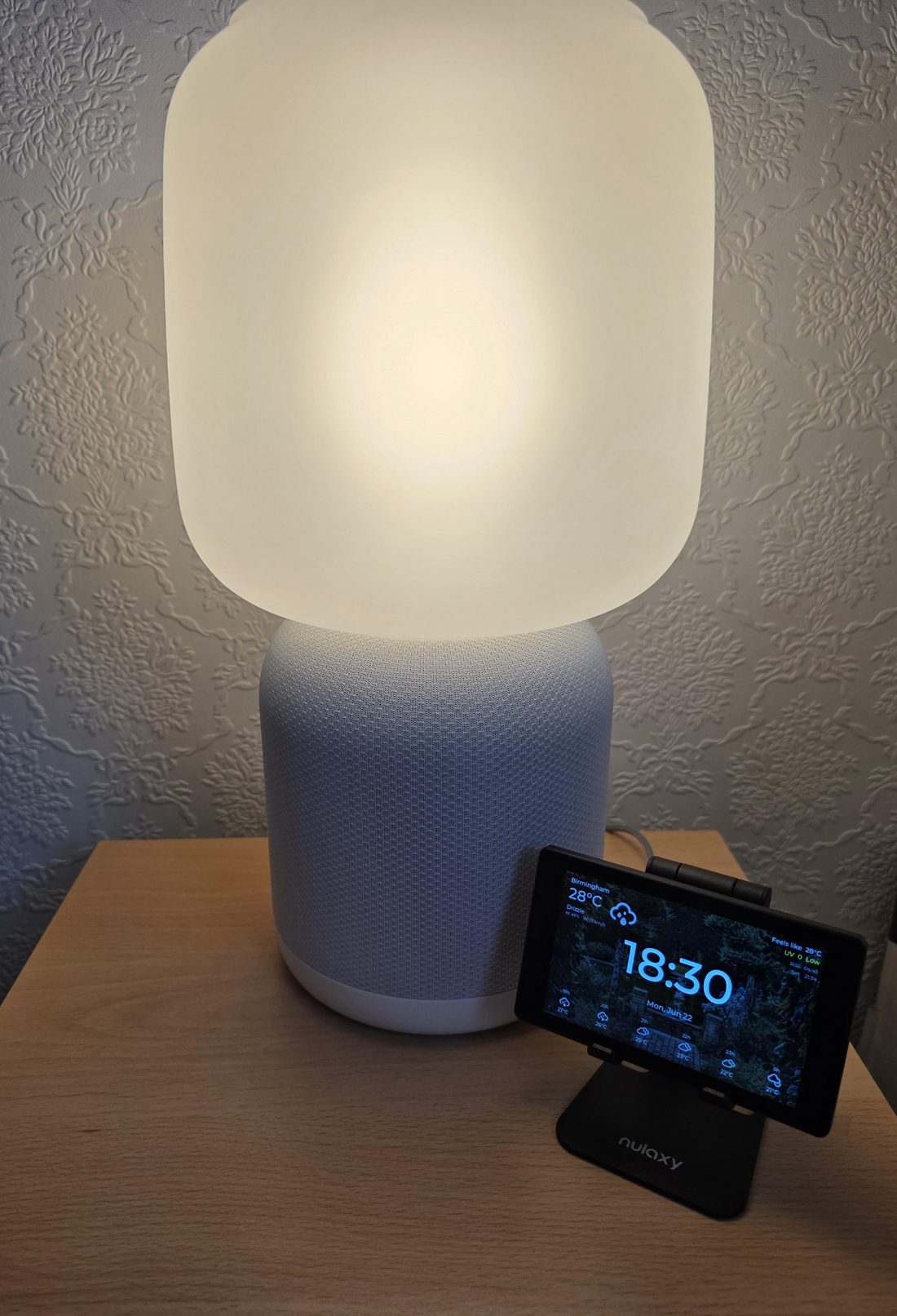
Five clock faces with a six-hour forecast, three player themes, and auto-dimming when you walk away.
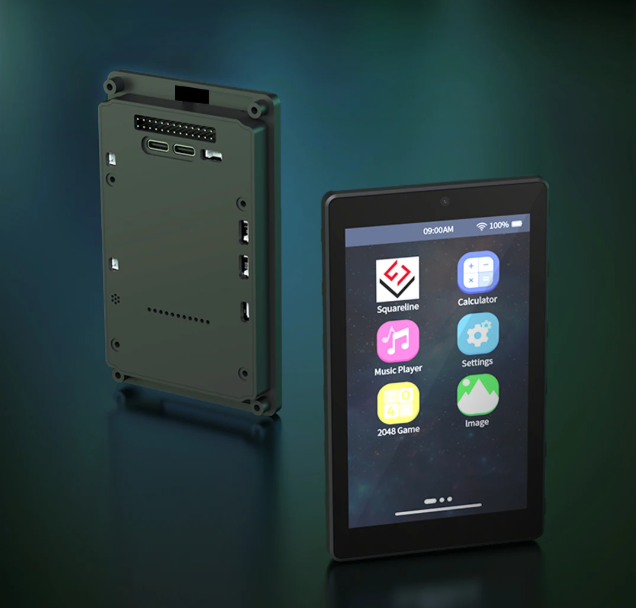
What you need
A GUITION ESP32-P4 touchscreen and a USB-C cable. That is the whole bill of materials — no soldering, no breakout boards, no case to print. It arrives as a finished unit running a demo launcher, and SonosESP replaces that.
About $30–40 shipped, depending on the seller and the day.
USB-C to your computer. Chrome, Edge or Opera.
Pick your screen size, pick the port. About a minute.
Type the password on the panel, scan for speakers, done.
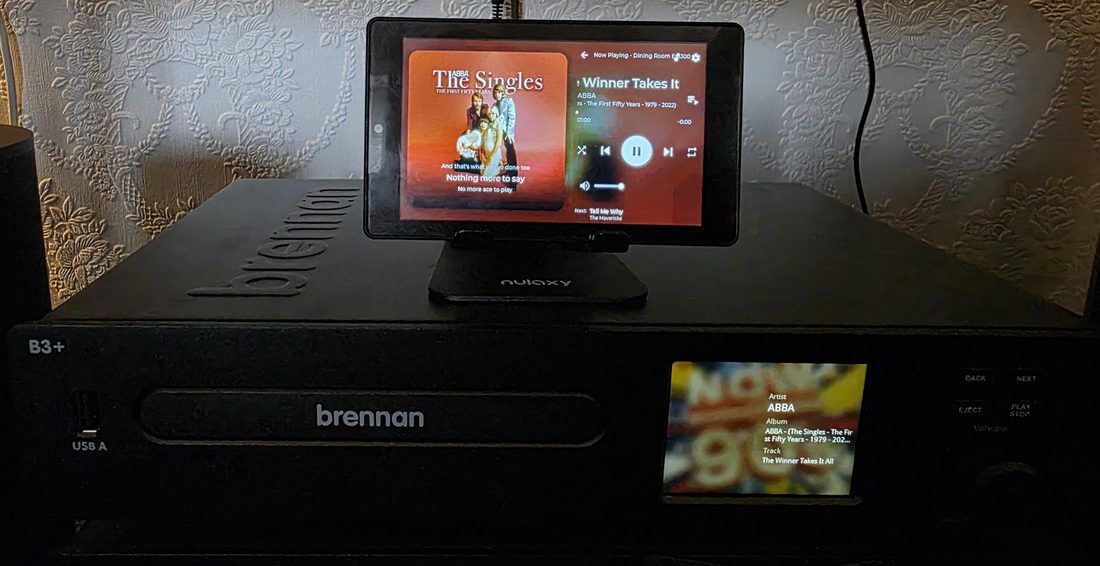
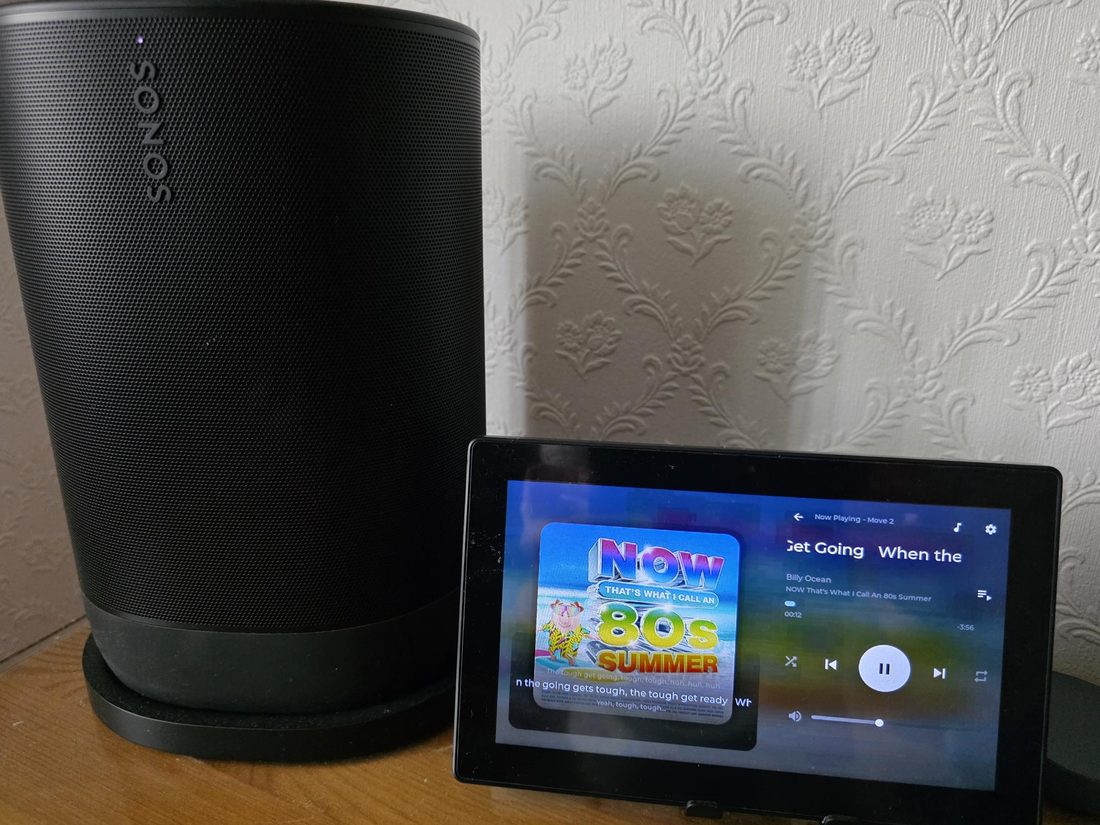
Community builds
Real installs, sent in by the people who made them.
SonosESP is MIT licensed and built in spare time. If it earns a place on your wall, a coffee helps pay for the panels that get tested to breaking point so yours doesn’t.